Help & Support
Help & Support
Find answers to common questions or get in touch with our support team. We are here to help you get the most out of the marketplace.
Video Tutorials
Step-by-step video guides to help you use mdiligitas.com for B2B shopping and selling.
Getting Started
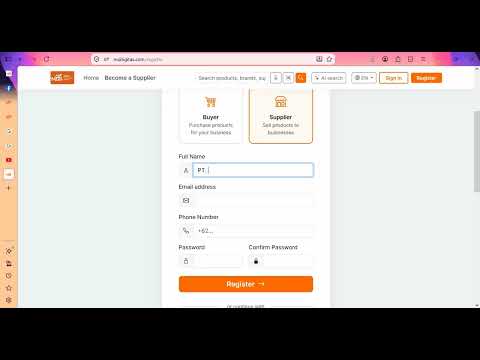
How to Create an Account
Sign up as a buyer or a supplier on mdiligitas.com.
Watch video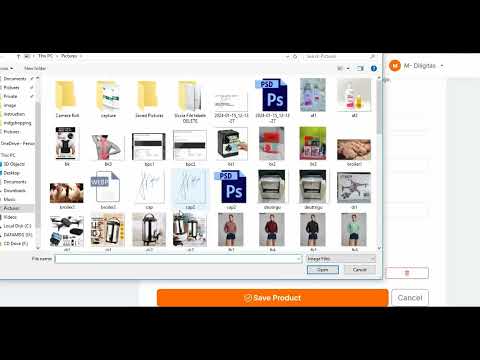
Your Dashboard Tour
A quick tour of your account dashboard.
Watch videoShopping & Buying
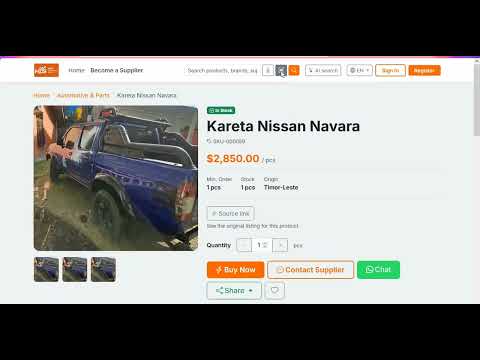
How to Find a Product
Search, filter, and compare products from suppliers.
Watch video
How to Place an Order
Add to cart, checkout, and confirm your order.
Watch video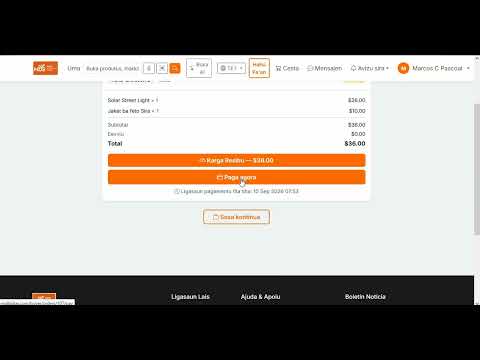
How to Pay via Payment Link
Pay for your order using the secure payment link.
Watch videoSelling & Supplying
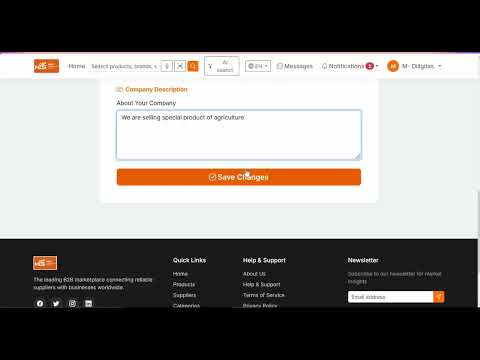
Set Up Your Supplier Profile
Create and complete your supplier store.
Watch video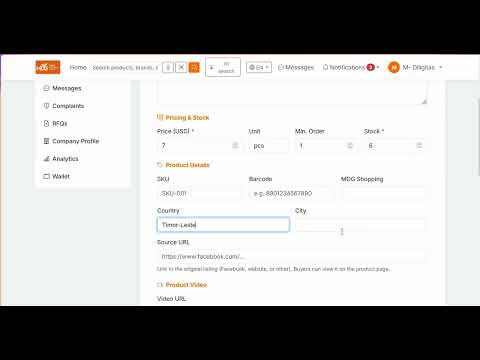
How to Add Products
List new products with images and pricing.
Watch video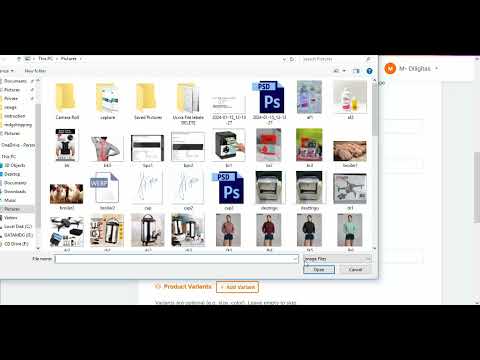
Managing Orders & Stock
Track orders, update statuses, and manage stock.
Watch videoPayments & Shipping
Payment Methods Explained
All available payment methods and how they work.
Watch video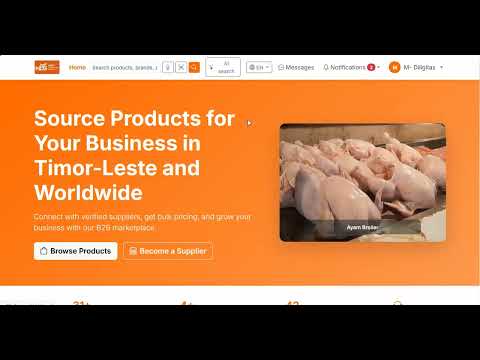
Tracking Your Delivery
Follow your order from production to delivery.
Watch videoGuides: Buy, Sell & Make a Payment
How to Register as a Member
- Register as a Buyer: click the "Register" button on the home page, choose Buyer, fill in your details and verify your email to activate your account.
- Register as a Seller: choose the Seller option during registration, then complete your company profile so you can add products and start selling.
How to Buy
- Browse or search for the products you need, then open a product page to see details, price and supplier.
- Select quantity and add the item to your cart, then go to checkout to review your order and apply shipping.
- Submit your order and it will be sent to the supplier for confirmation.
How to Sell
- Register as a supplier and complete your company profile.
- Add your products with photos, price and stock so buyers can find and order them.
- Receive orders, confirm them, prepare and ship the products, and track your earnings.
How to Make a Payment
- Choose how you want to pay: card, bank transfer, PayPal or pay the supplier directly.
- For direct payment, upload your payment receipt so the supplier can review and approve it.
- Once confirmed, your order is processed and the supplier is paid through the secure wallet.
Frequently Asked Questions
Contact Support
Our support team is available to answer your questions. Reach out through the messaging system and we will respond as soon as possible.